
Manual Visual Checks
Relies on tired eyes
- Inspectors check items one by one
- Small defects missed at busy times
- Stock counted by hand
- Hours of video nobody has time to watch
We build computer vision systems that read images, photos and video from your cameras to check quality, count stock and flag safety issues, so your team acts sooner.
CONTACT US
Computer vision is AI that understands images and video. It spots defects, reads text, counts items and notices unusual activity, then alerts a person when something needs attention.
Manual Visual Checks
Computer Vision
Visual results can feed straight into your workflows. See our business process automation and machine learning solutions.
Each system focuses on one visual task your team currently handles by eye.
Consistent checks on every item. Cameras on your line spot scratches, dents, missing parts or labelling errors and send possible defects to a person to confirm.
Less typing from paper and photos. Vision models read text from scanned documents, labels, receipts and forms, and enter it into your systems for checking.
Know what is on the shelf. Cameras or staff photos count items, spot empty spaces and check product placement, so restocking happens before customers notice gaps.
Safer sites without constant watching. Vision models can flag missing safety equipment or people in restricted zones, alerting supervisors in time to act.
Faster claims and inspections. Photos of vehicles, property or returned goods are checked for visible damage, with findings prepared for an assessor to confirm.
Find the right image quickly. Large photo and video libraries are tagged automatically, so teams can search by what is in the picture, not just file names.
Understand how spaces are used. Cameras count visitors, vehicles or queue lengths as anonymous totals, helping you plan staffing and layout without identifying anyone.
Less time watching footage. Vision models scan recorded or live video for the events you define and highlight only the moments worth reviewing.
Insight without intrusion. Systems are designed to collect only what each task needs, blur or avoid personal details where possible and keep footage within agreed rules.
Five steps that start with what you need to see and end with a system tested in your real conditions.
We define what the system must see, such as defects, stock levels or text, and review your current cameras, lighting and workflows.
We agree accuracy targets, what happens when something is flagged, privacy safeguards, and whether existing cameras are suitable or new ones are needed.
We collect and label sample images from your real environment, train the vision model and connect alerts to the tools your team uses.
We test in real conditions, including poor lighting, unusual items and busy periods, and tune the system until false alarms are manageable.
We go live alongside your existing checks, review flagged results with your team and retrain the model as products and conditions change.
Tell us which visual check takes your team the most time. Our computer vision solutions start with one focused task, so you see the results before rolling it out further.
Sites where photography, film and camera-based services are central.

Pixel-perfect photo editing for ecommerce brands, photographers and agencies, backed by expert human quality control.
See More Details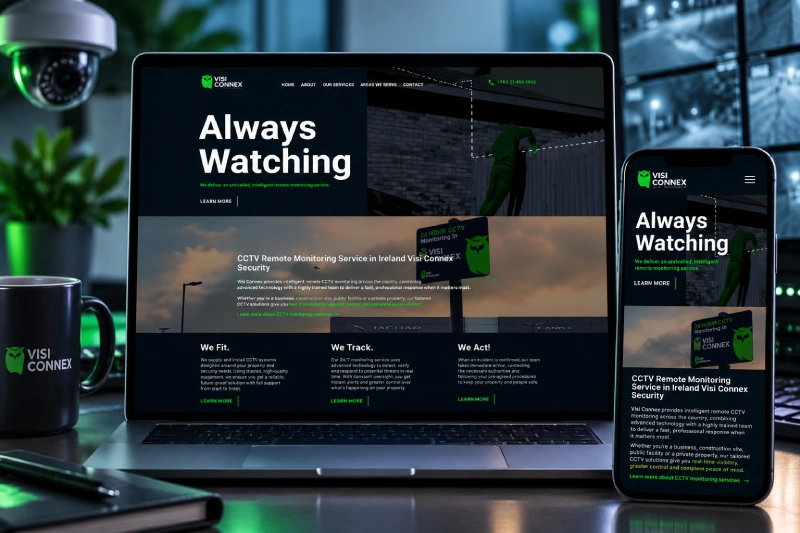
Visi Connex are Ireland’s leading CCTV monitoring specialists.
See More Details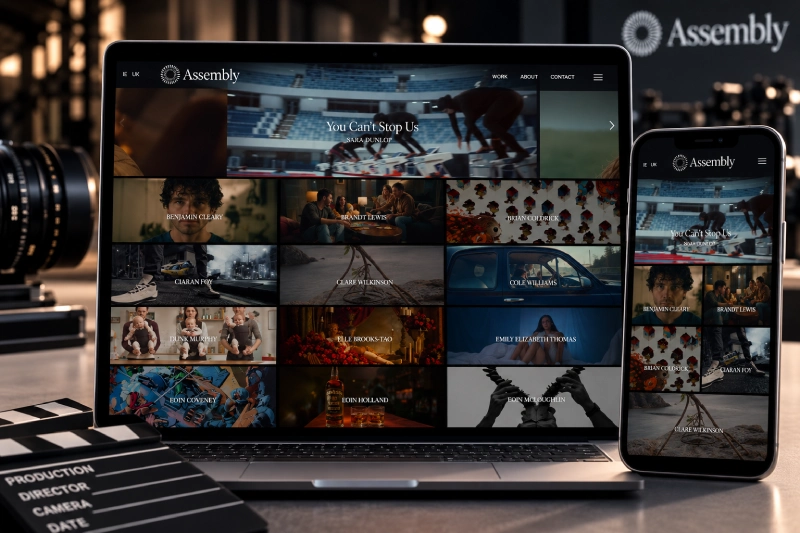
Assembly is a Film, TV and Commercial production company representing a roster of award winning directors, photographers, illustrators and composers.
See More Details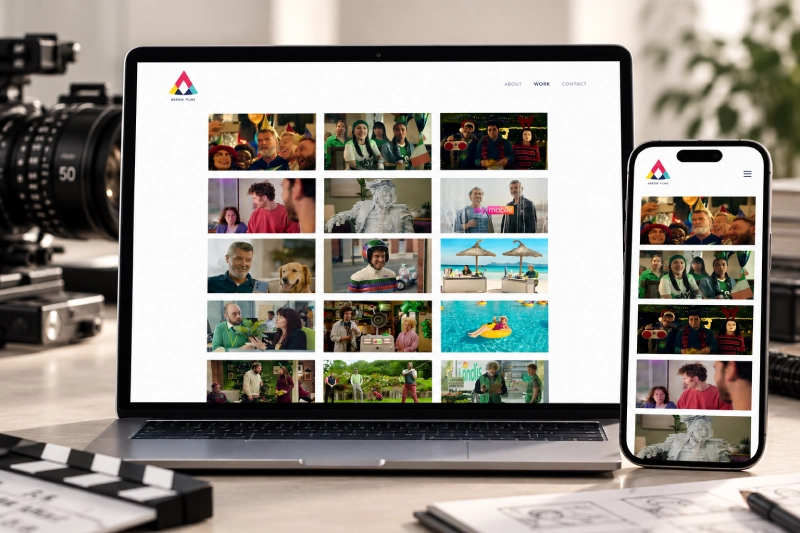
We start with the problem you need to see, test in your real conditions and respect the privacy of everyone in front of the camera.
Contact UsWe train and test with images from your actual site, products and lighting, not idealised sample photos.
Flagged items and events go to a person to confirm, so decisions are never left to a camera alone.
Systems are designed to avoid identifying individuals where possible, with footage handling agreed before anything goes live.
Where image quality allows, we use the cameras you already have before recommending new equipment.
Built with data protection in mind, with clear rules on what is stored, for how long and who can see it.
We agree what good looks like upfront and report how the system performs against it.
Alerts and results go straight into the tools your team uses, so issues are acted on, not just recorded.
As products, packaging or conditions change, we retrain models so accuracy holds up over time.
AI image recognition for business, applied to the visual checks each sector relies on.
Checks returned items for damage from photos and tags product images automatically for faster catalogue updates.
Learn MoreAuto-tags product photos and flags poor-quality images before they go live on your WooCommerce store.
Learn MoreReads details from uploaded documents for checking; identity and compliance decisions always stay with authorised staff.
Learn MoreReads handwritten or scanned forms and organises learning media libraries by what each image or video shows.
Learn MoreCounts shelf stock and checks packaging labels for admin purposes; dispensing decisions stay with your pharmacists.
Learn MoreDigitises scanned records and counts anonymous footfall in public spaces, with strict privacy and human review.
Learn MoreAdds image recognition features, such as photo checks or text reading, directly into your own platform.
Learn MoreTags property photos by room and feature, and highlights visible condition issues in inspection images.
Learn MoreReads scanned documents into searchable text for case files; legal review and advice stay with solicitors.
Learn MoreDigitises paper forms and receipts, and organises large photo archives for campaigns and annual reports.
Learn MoreReads invoices and forms, monitors office occupancy anonymously and supports workplace safety checks across sites.
Learn MoreReads admin forms and referral documents only; any clinical image interpretation stays with qualified professionals.
Learn MoreSorts and tags large photo sets, groups similar shots and flags blurred images to speed up editing.
Learn MoreTags footage by scene and content, making archives searchable and highlighting clips that match a brief.
Learn MoreTags product and lifestyle images automatically and helps keep visual content consistent across your channels.
Learn MoreCompares before-and-after job photos to confirm completion and flags areas that may need attention.
Learn MoreCounts crowds and queue lengths anonymously, helping organisers manage entry, staffing and safety at events.
Learn MoreFAQ's

Computer vision is a type of AI that understands images and video. For businesses, it checks product quality, reads text from documents, counts stock or people anonymously and spots unusual events, then alerts your team when something needs attention. It is part of our AI & Automation services.
Common uses include quality inspection, reading documents and labels, stock and shelf monitoring, safety checks, damage assessment from photos and tagging large image libraries. The best starting point is usually a visual check your team already does repeatedly, where consistency matters and errors are costly.
Often, yes. Many systems work with existing CCTV or smartphone photos, provided the image quality, angle and lighting are good enough for the task. During discovery we test sample images from your cameras and recommend new equipment only where it is genuinely needed.
Accuracy depends on the task, image quality and conditions, so we set clear targets with you before building. We test in your real environment, including difficult lighting and unusual items, and keep a person in the loop to confirm flagged results, especially early on.
The cost of computer vision solutions depends on scope, so we quote after discovery rather than giving a fixed price. Key factors are the number of cameras or image sources, how many things the system must recognise, whether new hardware is needed and ongoing support.
Timelines depend on the task and the images available, so we agree a schedule after discovery rather than promising a fixed date. To start, we need sample images or footage from your real environment, examples of what good and bad look like, and someone to review results. Contact us to begin.
We design every system with privacy in mind. Where people may appear, we aim to avoid identifying individuals, blur faces where needed, store only what the task requires and agree retention periods with you. We also help you consider signage and data protection obligations before launch.
No, it supports them by handling repetitive visual checks consistently. Staff spend less time on routine inspection and more on confirming flagged issues, fixing root causes and handling exceptions. Final decisions on quality, safety or damage stay with your people.
OCR, or optical character recognition, is a type of computer vision that reads printed or handwritten text from images. Computer vision is broader: it also recognises objects, defects, damage and activity. Many projects combine both, for example reading a label and checking the packaging around it.

3 Caragh Meadows, Naas, Co. Kildare, Ireland
Noor Mansion (3rd Floor), Plot#04, Main Road#01, Mirpur-10, Dhaka-1216
Tell Us What Your Team Spends Time Checking By Eye. As A Computer Vision Company Based In Naas, Ireland, We Help Businesses In Ireland, The UK And The US Automate Visual Checks Responsibly.

Sandeep Chowdhury
Founder & Chairman
Free consultation
Tell us about your project. We’ll reply within one business day with next steps.

Mamun Ur Rasid
Co-Founder & CEO
This Black Friday, we're auditing 20 websites for free. Get a report showing where visitors drop off and what fixes can help you win more sales.
$50 → FREE · Ends 27 Nov